Keep what they make.
Snap a photo of your child’s drawing and it lands titled, dated, and tucked into their Cubby, a searchable archive of everything they create. The pile on the counter, finally kept forever.
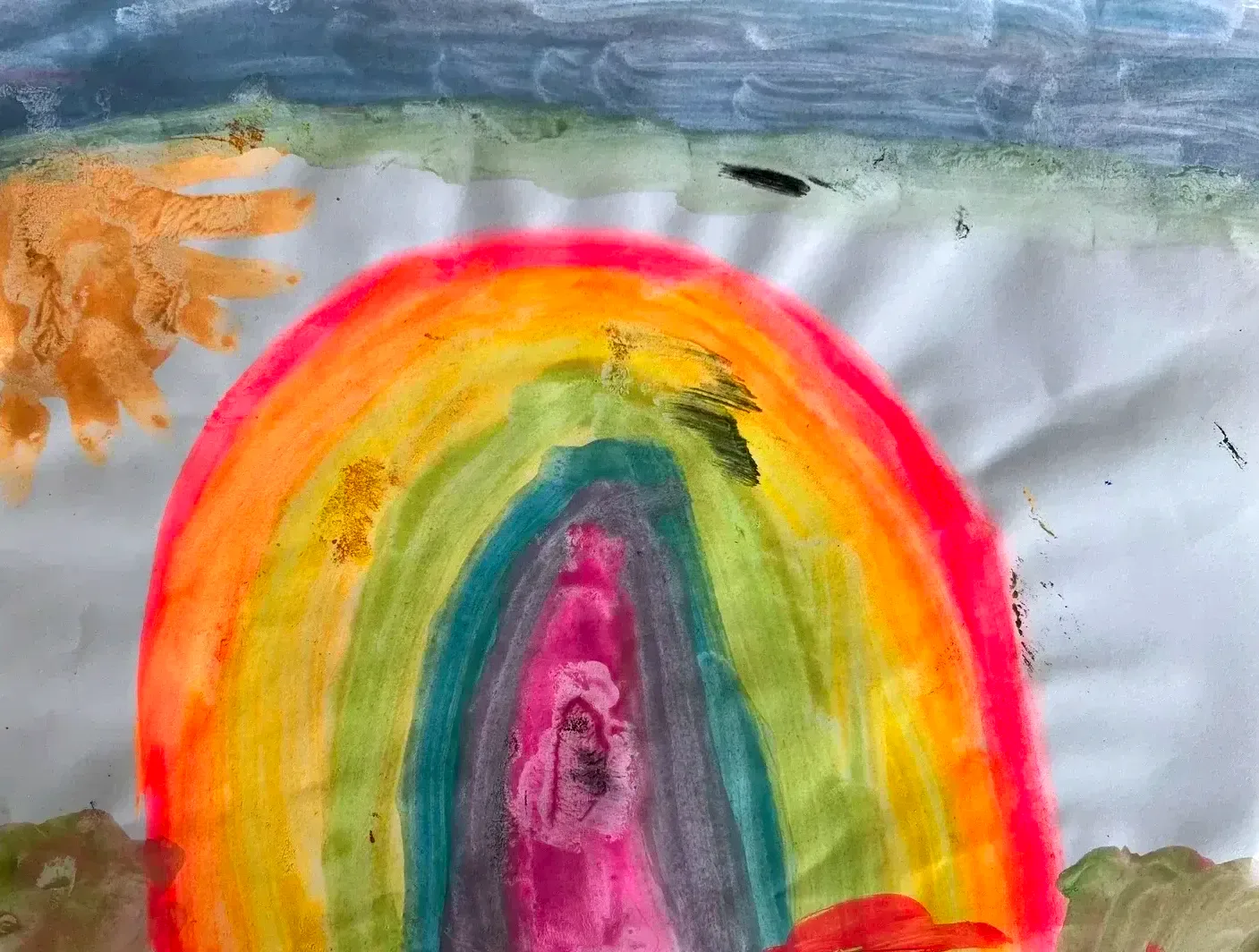
Rainbow Dream Over the Water
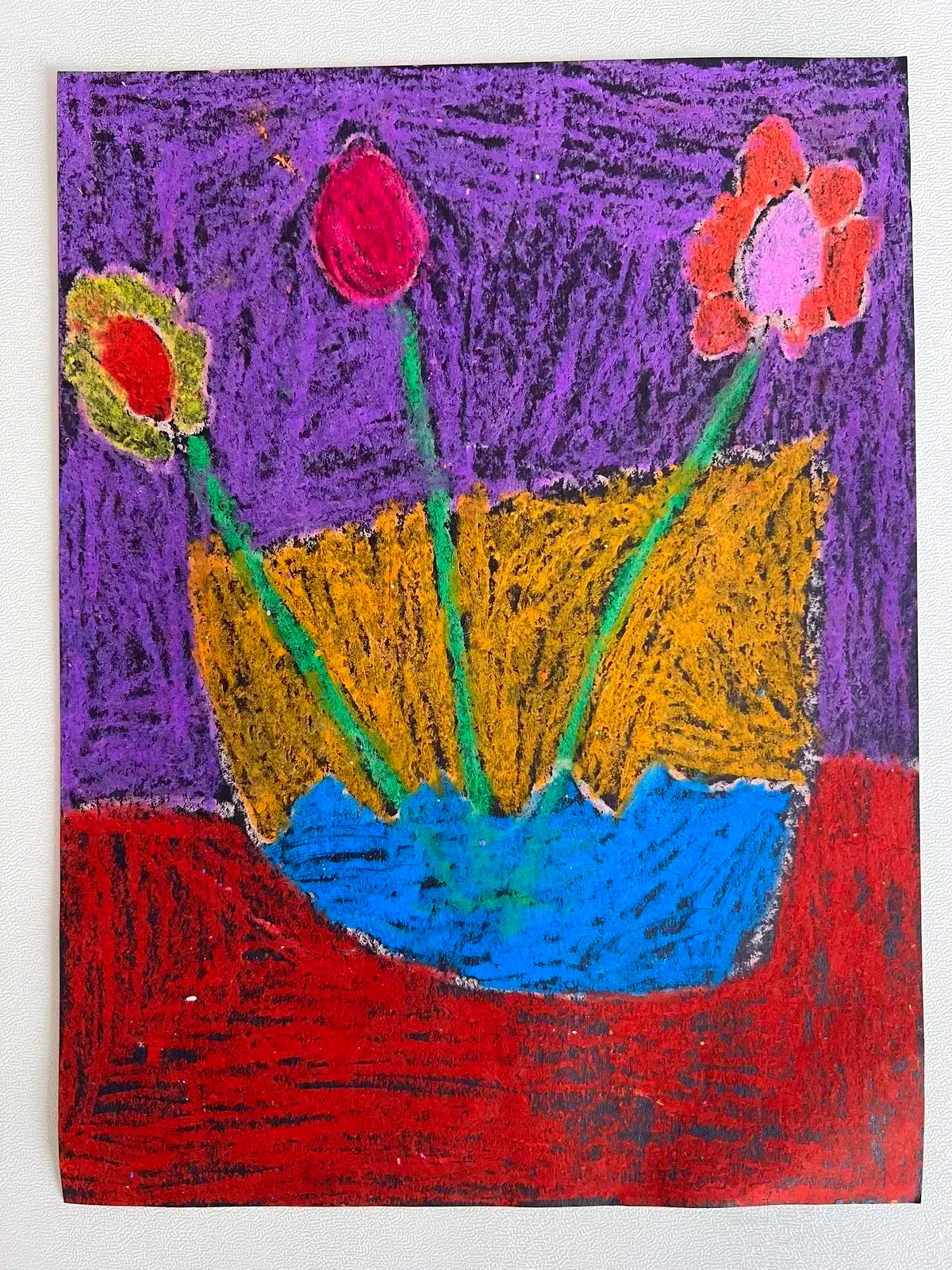
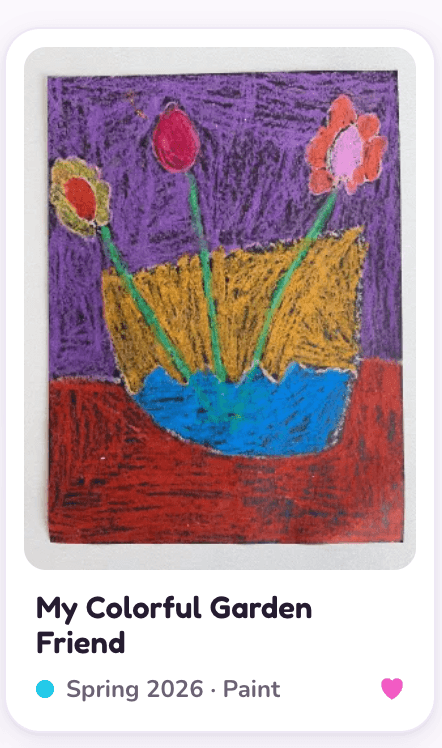
My Colorful Garden Friend
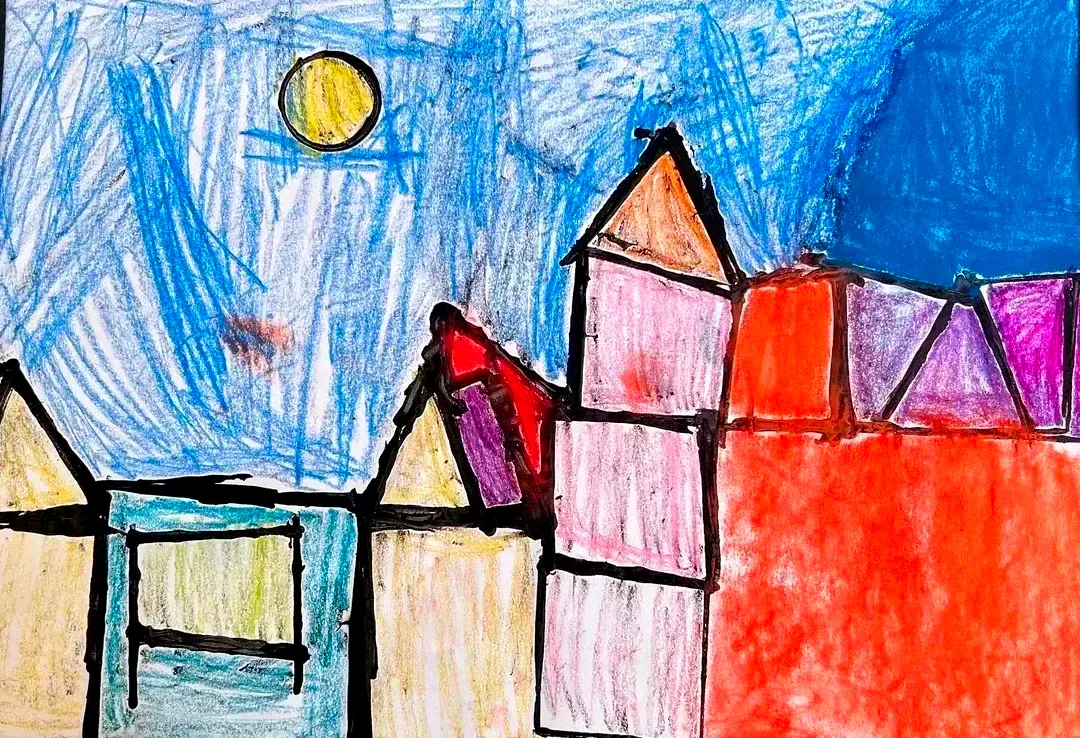
My Colorful Room Adventure
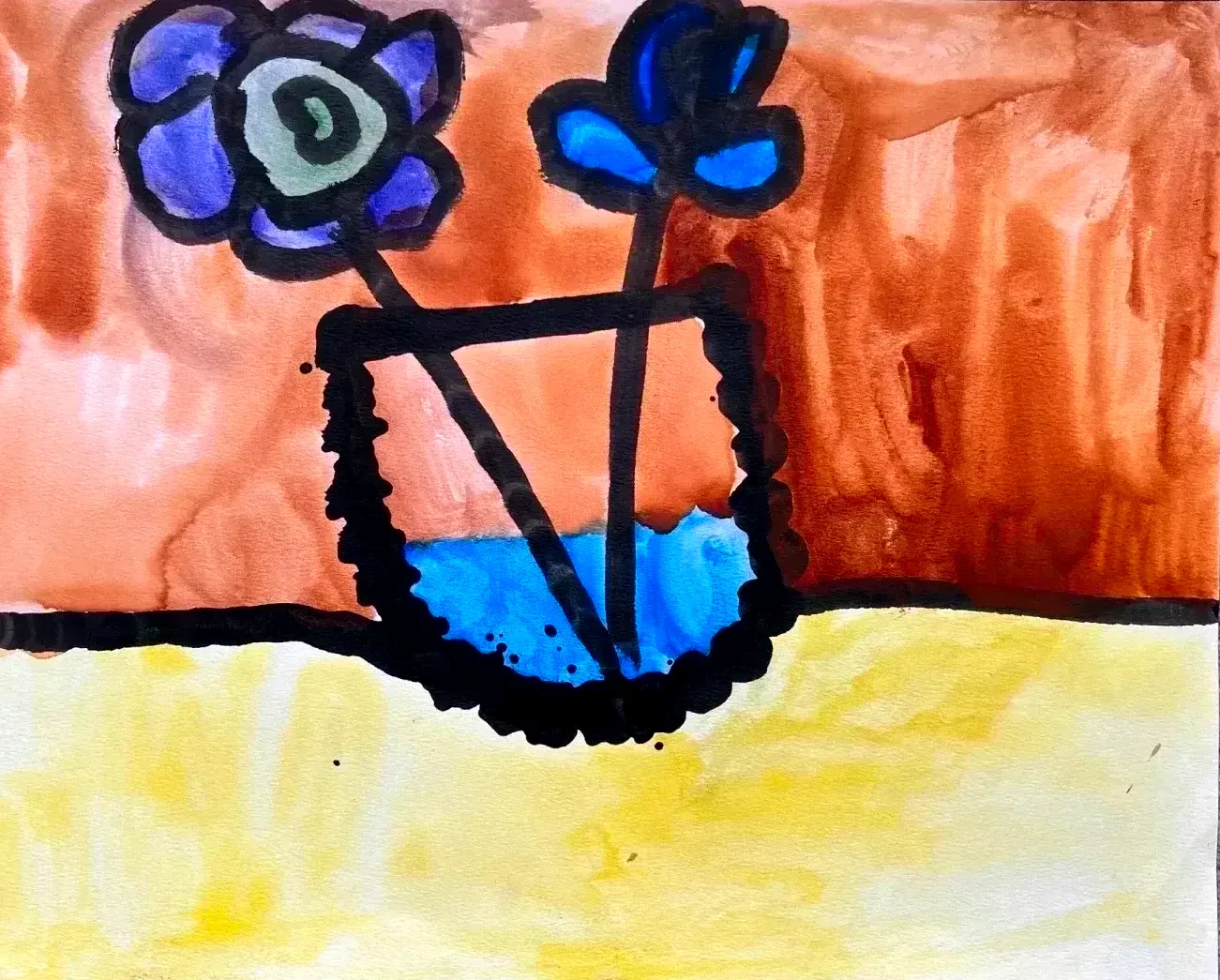
My Colorful Garden Window
Too much to keep. Too good to toss.
The pile of art grows by the week. Backpacks come home full, art class, camp, the kitchen table on a rainy Sunday. Some of it goes on the wall. The rest goes in a stack you keep meaning to deal with.
You can't keep all of it. You can't throw it away either.
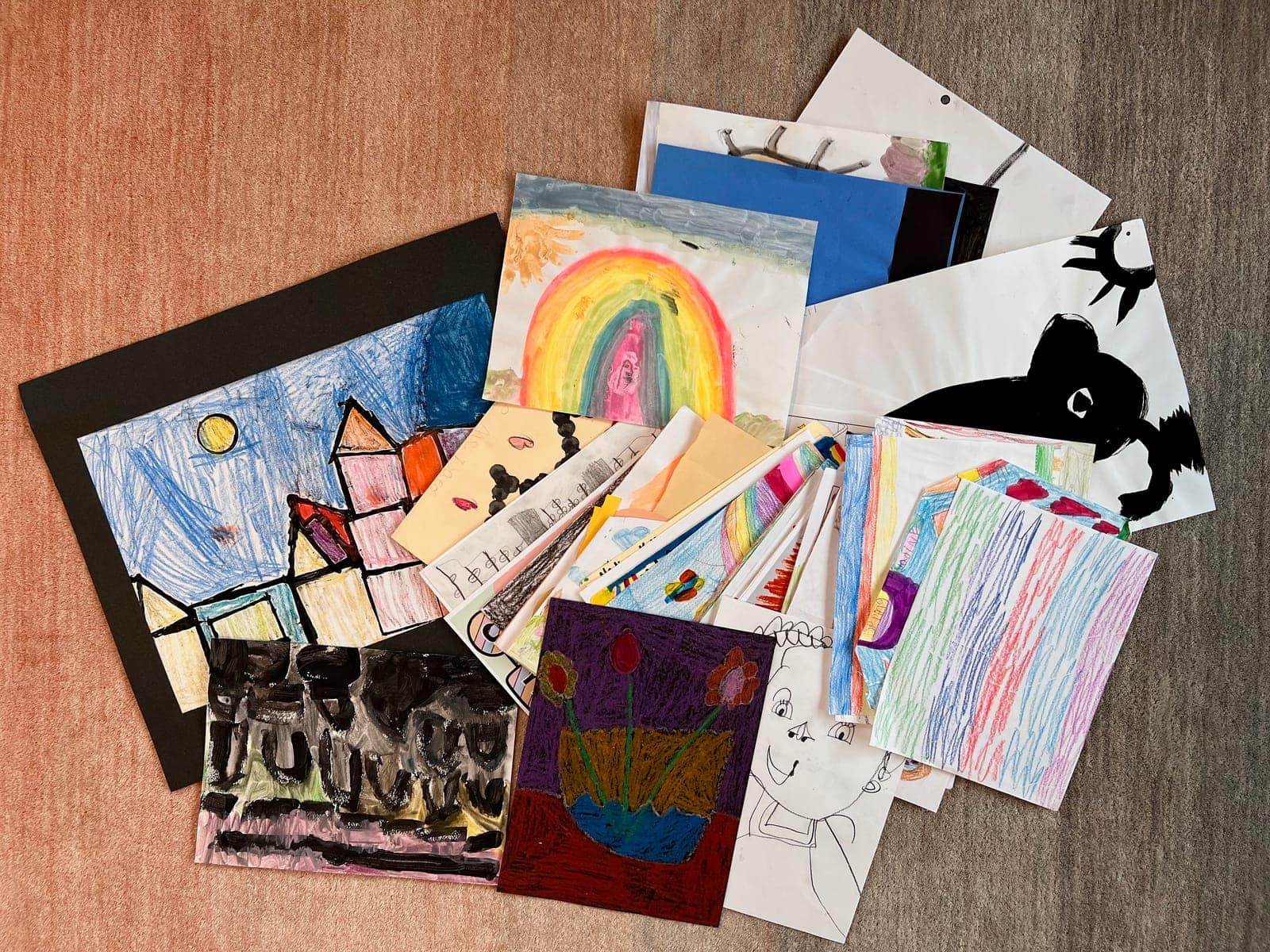
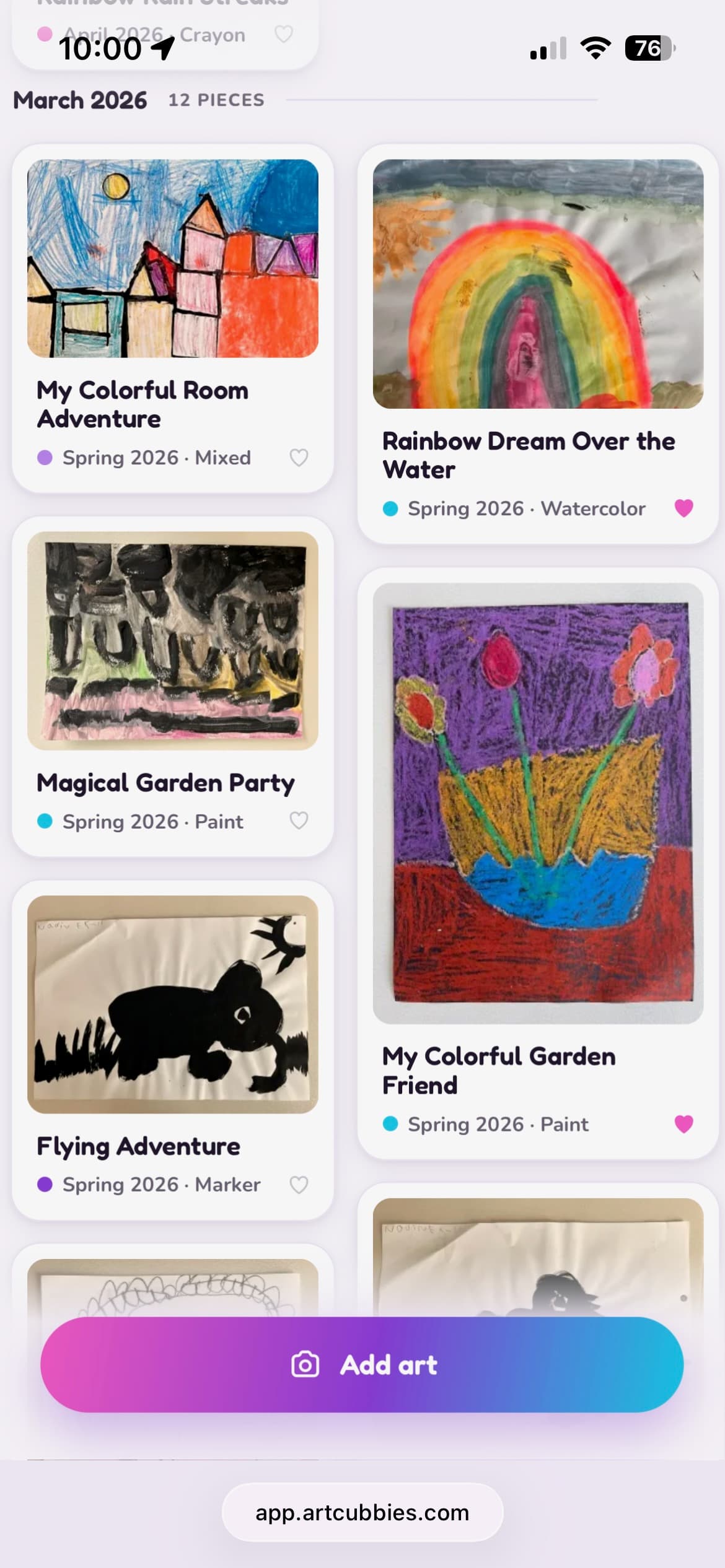
Same art. One of these you can actually find something in.
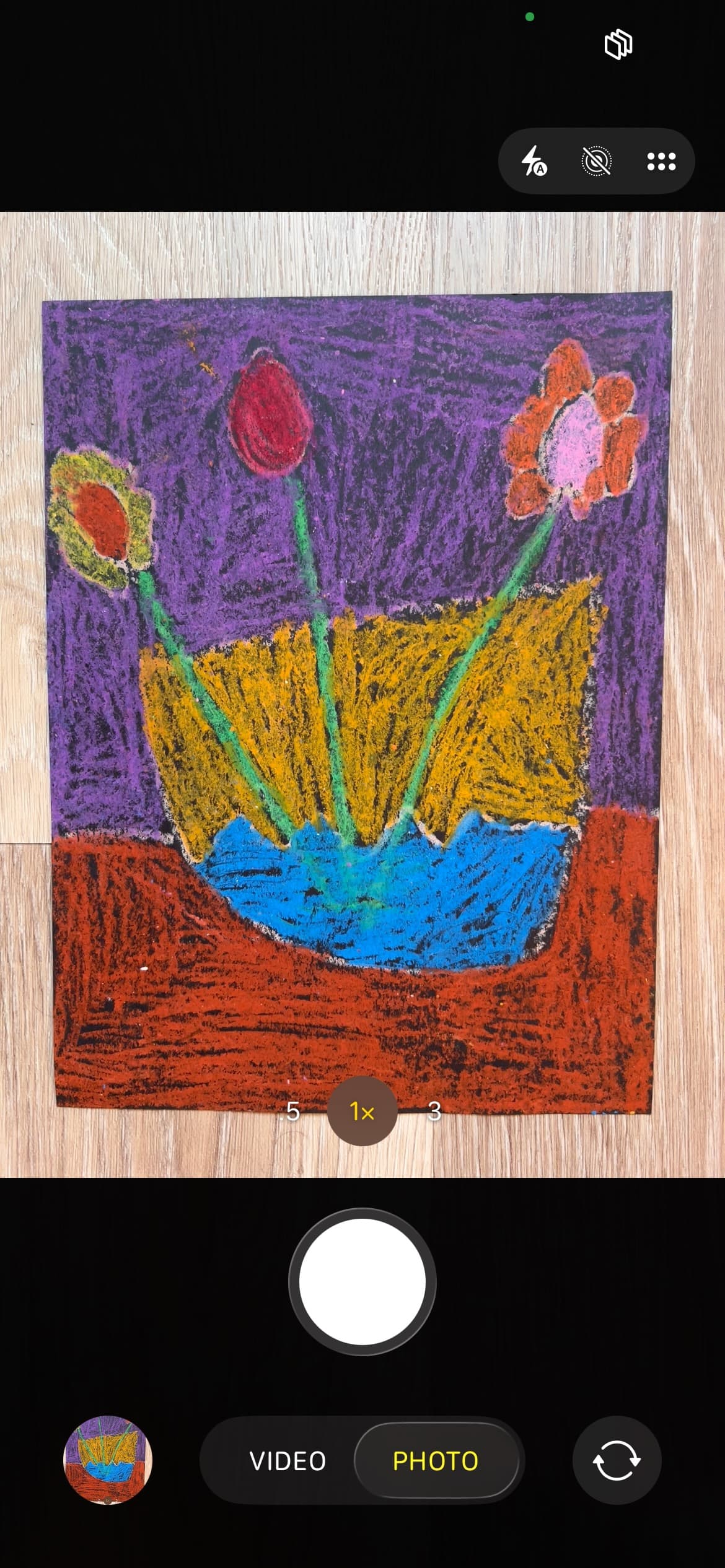
Snap a photo. It lands titled, dated, and in their cubby.
Questions parents ask
Is my child's art private?
Yes. Your cubbies are private by default. Nobody sees your child's art unless you invite them, and you choose what each person can do: view only, or view and add. There's no public gallery, no browsing other families' art, and nothing is shared with anyone unless you decide to share it.
Can I share it with grandparents?
Yes. You invite people to your household, and they can see all the cubbies in it. So a grandparent invited once will follow along with every child's art as you add it, no need to text photos one at a time. Sharing works at the household level, not per child.
Can I let someone else add art too, like a nanny or my partner?
Yes. When you invite someone to your household you choose their role. Co-parents can add art, edit titles, and manage cubbies. Fans can view only. So a partner or nanny who does pickup can photograph what came home that day, and a grandparent can simply enjoy it. Either way, they have access to every cubby in the household.
Do I need to scan anything?
No. Just take a photo with your phone. Lay the art on a table or the floor, take a picture, and ArtCubbies handles the rest. You can add a whole stack at once rather than one at a time.
What if I already have photos of my kids' art on my phone?
Add them. You can upload a batch at once rather than one at a time. If they're from a while back you can set the date so they land in the right place in the timeline, or leave them and they'll appear in the order you added them.
Can I crop, rotate, or enhance the photos?
Yes. You can straighten a crooked photo, crop out the kitchen table, rotate it, and apply a filter that brightens the colors and cleans up the paper.
What if something goes wrong when I edit? Where's the original?
Your original photo is kept, untouched, exactly as you took it. Edits and enhancements produce a separate working version, which is what you see in the gallery. The original is never modified, you can revert to it at any time, and when you export, it's those untouched originals you get, not the edited copies.
How do the AI titles work, and what if it gets one wrong?
When you add a piece, it gets a suggested title, tags, and a guess at the medium. It's usually close, and sometimes it's wrong in a way your kid will find funny. You can change any title yourself, and reading them out loud together is genuinely one of the better parts: "it called this one Rainbow Dreams Take Flight, is that what you were going for?"
Does my child's art get sent anywhere outside ArtCubbies?
Photos are sent to an AI service to generate the title and tags, and that's the only place they go. They aren't used to train AI models, they aren't sold, and they aren't shared with anyone else. Everything else stays in ArtCubbies unless you export it or invite someone.
Can I get my art out if I stop using ArtCubbies?
Yes. You can download the whole archive in one go, your original photos plus a file listing the titles, dates, and tags. Your child's art is yours. Download it any time you want.
How many children can I add?
As many as you like. Each child gets their own cubby, and art is organized by child and by date.
What if my child's name is on their artwork?
That's normal. Kids sign their work. The photo stays private to your household and whoever you invite. AI-generated titles occasionally include a name if it's visible in the drawing, and you can edit any title.
How much does it cost?
ArtCubbies is free during early access, which is currently invite only. Pricing will be introduced later, and anyone who joins during early access will be told well before anything changes.
Why I built ArtCubbies
I'm a parent to a six-year-old who loves to make art. And like most parents, I ran into the same problem: it piles up. Some of it goes on the walls. The rest sits in a stack you keep meaning to deal with. Some of it is remarkable. Some of it, less so. But none of it feels like something you can throw away, not after the hours you spent making it together.
I tried a few of the services out there. None of them stuck.
So mostly I just photographed things on my phone. That works right up until you want to find something. A friend is over, or my daughter says "remember the one we made with the..." and good luck. Handing a six-year-old an unlocked phone to go looking is its own adventure.
What pushed me over the edge was the last week of school. The backpack came home full every single day. Art class, after-school programs, weekend classes, summer camp, work I'd never seen before and genuinely loved. All of it landed on the same pile. More than we could keep, and still nothing I wanted to lose.
The part I didn't expect came later, once I added AI titles. You show your kid their own drawing and read them what it got called. "Rainbow Dreams Take Flight, is that what you were going for?" Sometimes she says no, not even close. Sometimes she says yes, exactly, and that's the best thing in the world.